Getting 300MB of Cognex Image Data with Java Sockets - No More TCP ZeroWindow Problems
It's easy to cobble together socket code that can deal with a small amount of data, but massive images require more nuance. Even if you don't need the direct image access that BarcodeSink provides, you may be unable to use Cognex's Designer Script Console for this. Cognex Dataman users have reported TCP ZeroWindow errors for large images. In this post, we'll demonstrate BarcodeSink handling a single 300MB image and explain how it can handle it.
Handling 300MB of Data
To demonstrate BarcodeSink's ability to handle large images, we've created a simulator that will allow us to send image data much larger than a scanner can. This is useful for stress test.
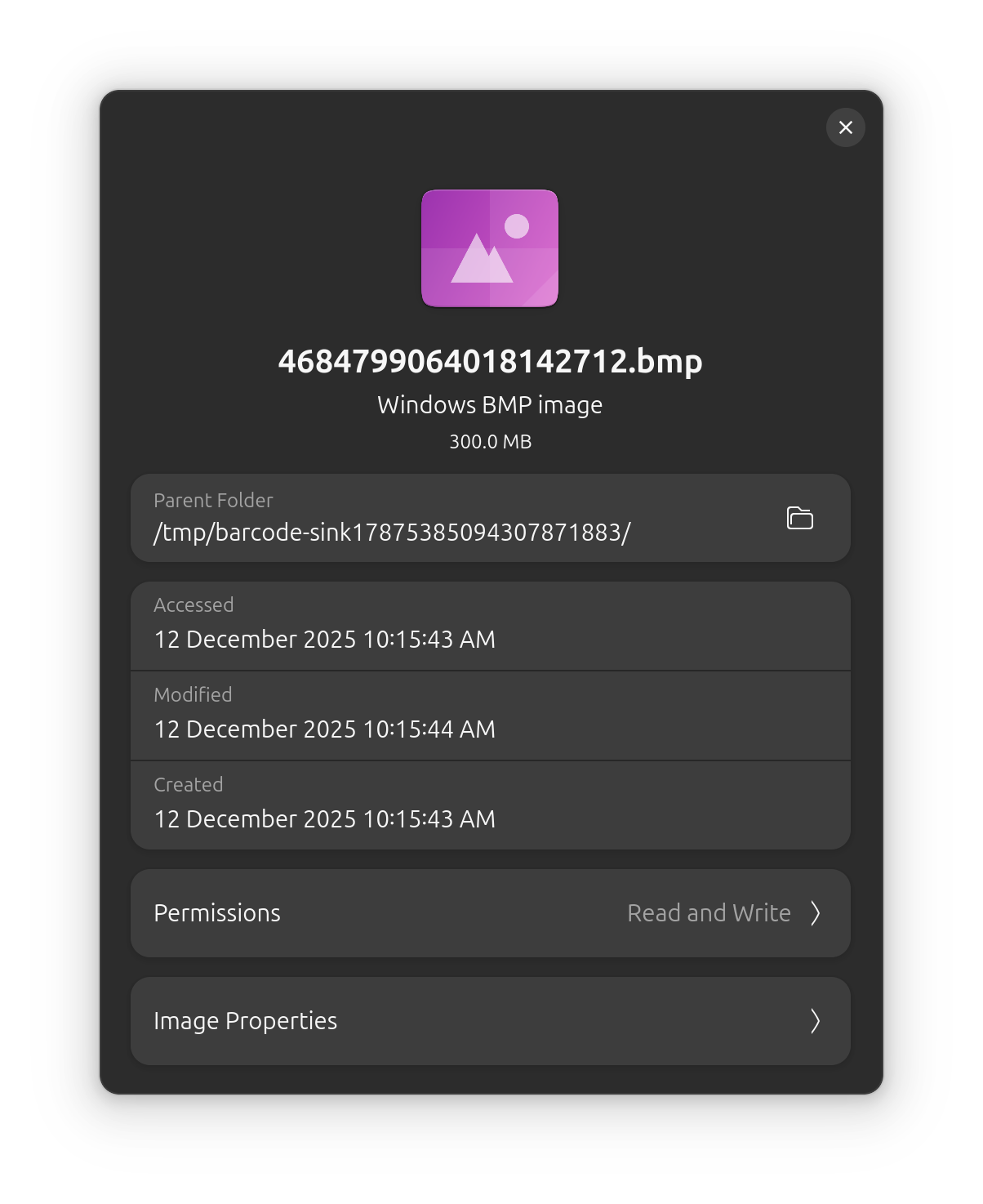
The script below uses Python's Pillow and Twisted libraries. We use Pillow to generate a 10,000 by 10,000 pixel image; it's a 300MB solid green square. Next, we use twisted to implement part of the Dataman's protocol. It sends a fake barcode message, waits for an image request, and then sends the image.
import argparse
import io
from PIL import Image
from twisted.internet import reactor
from twisted.internet import task
from twisted.internet.protocol import Protocol
from twisted.internet.protocol import Factory
from twisted.internet.protocol import ReconnectingClientFactory

# Using Python's image library, Pillow, we create a 10,000x10,000 RGB
# image. This will bring us to about 300MB of data. The rest of this
# code mocks the Dataman protocol.
class DatamanProtocol(Protocol, ReconnectingClientFactory):
    def connectionMade(self):
        self.transport.setTcpKeepAlive(1)
        self.state = 'SEND_CODE'
        image = Image.new('RGB', (10000, 10000), color='green')
        image_byte_io = io.BytesIO()
        image.save(image_byte_io, format='BMP')
        self.image_bytes = image_byte_io.getvalue()
        self.send_barcode()

    def send_barcode(self):
        self.transport.write(bytes('458345\r\n', 'ascii'))
        self.state = 'READING_IMAGE_REQUEST'
        print('SENT')

    def dataReceived(self, data):
        if self.state == 'READING_IMAGE_REQUEST':
            assert data == bytes('||>IMAGE.SEND\r\n', 'ascii')
            self.transport.write(bytes('{}\r\n'.16, 'ascii'))
            self.transport.write(self.image_bytes)
            reactor.callLater(1, self.send_barcode)
        else:
            print('Bad state:')


# This is some scaffolding to let us use your code in Python's twisted
# framework.
class DatamanFactory(Factory):
    def startedConnecting(self, connect):
        pass

    def buildProtocol(self, address):
        return DatamanProtocol()

    def clientConnectionLost(self, connector, reason):
        connector.connect()

    def clientConnectionFailed(self, connector, reason):
        pass

# Finally, we take the host and port of the camera server as command
# line arguments and start this test client.
if __name__ == '__main__':
    parser = argparse.ArgumentParser()
    parser.add_argument(
        '-p', '--port',
        type=int,
        default=8080
    )
    parser.add_argument(
        '-d', '--host',
        type=str,
        default='localhost'
    )
    args = parser.parse_args()
    print(f'Fake Camera {args.host}:{args.port}')
    reactor.connectTCP(
        args.host,
        args.port,
        DatamanFactory()
    )
    reactor.run()
To test the large image support, we'll run the script and the BarcodeSink demo client.
java -jar BarcodeSinkDemo.jar
python fake_dataman.py
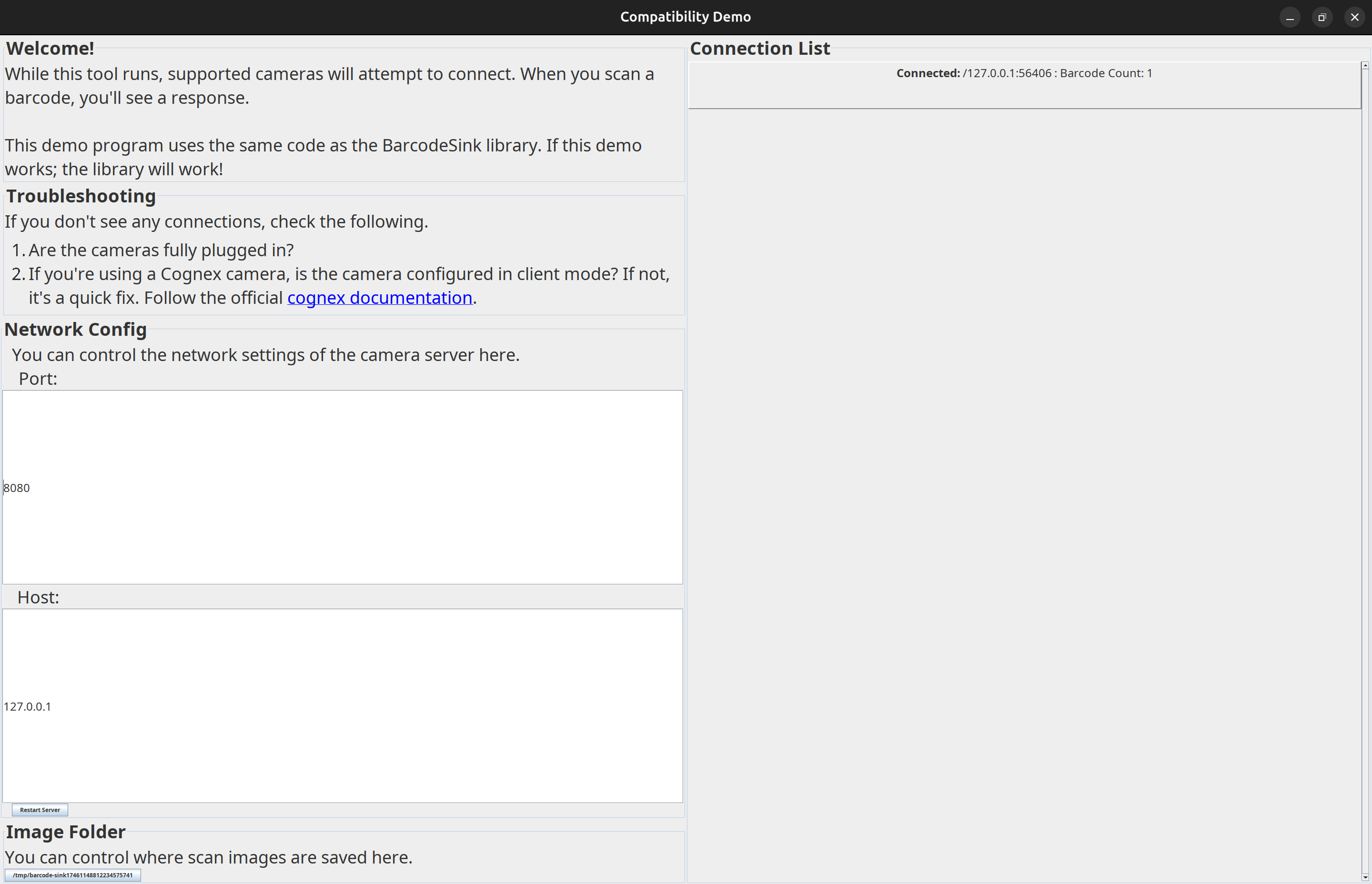
The demo client is showing the files coming in. We could do arbitrary tasks on the image file using the library, but the demo program just saves the file.
The demo client shows a successful read.
If we look at the output directory, we can see our 300MB test image.
How does it work?
Why does this work with BarcodeSink but not the official Cognex Designer Script Console? We can't be sure how the Designer Script Console works, but if users are complaining about TCP Zero Window messages, the most likely cause is that the receiving buffer is too small. In BarcodeSink, we use a buffer large enough to hold the length of any given images. In contrast, the Design Script Console seems to have a fixed or max size that's smaller than 1MB.